
Cooking mode
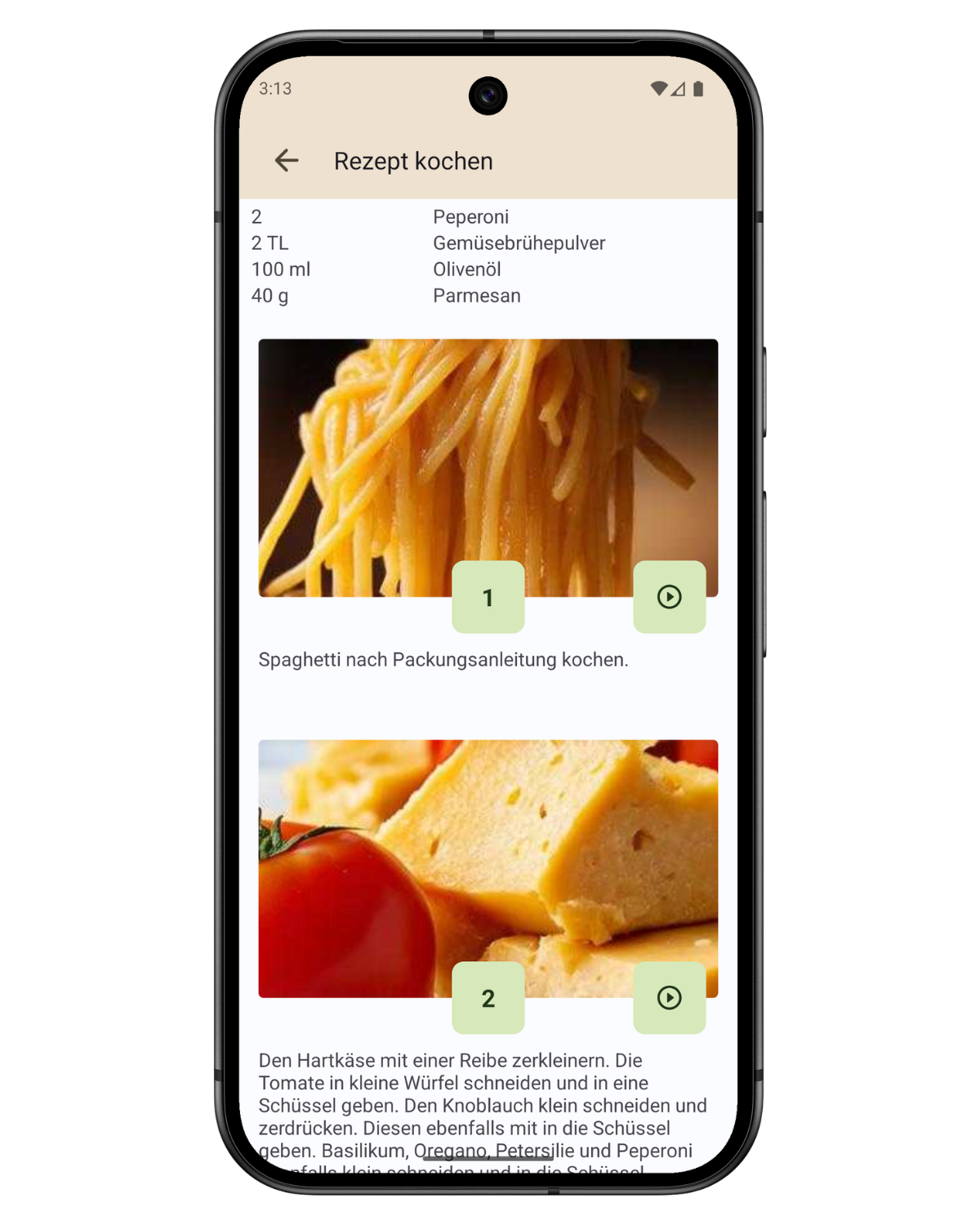
With CookBuddy’s cooking mode you follow every recipe step by step, with large photos, clear instructions and optional voice guidance. You always see exactly the current step and don’t have to juggle your phone with wet hands or over a hot pan.
Adjust servings right in cooking mode – the app recalculates ingredient amounts and units automatically. Per step you can start a step timer that notifies you when it’s time to continue. Optionally CookBuddy reads instructions aloud (TTS) so you touch the screen less. With a clear layout and offline support, cooking mode suits beginners and experienced home cooks alike.
How it works
Start a recipe in cooking mode: each step is shown large and clearly, with an image where available. Tap the step timer when a step needs waiting time – CookBuddy notifies you when to continue.
Turn on voice guidance so instructions are read aloud. Choose servings (e.g. for 2, 4 or 6 people) – ingredient amounts and units update automatically.